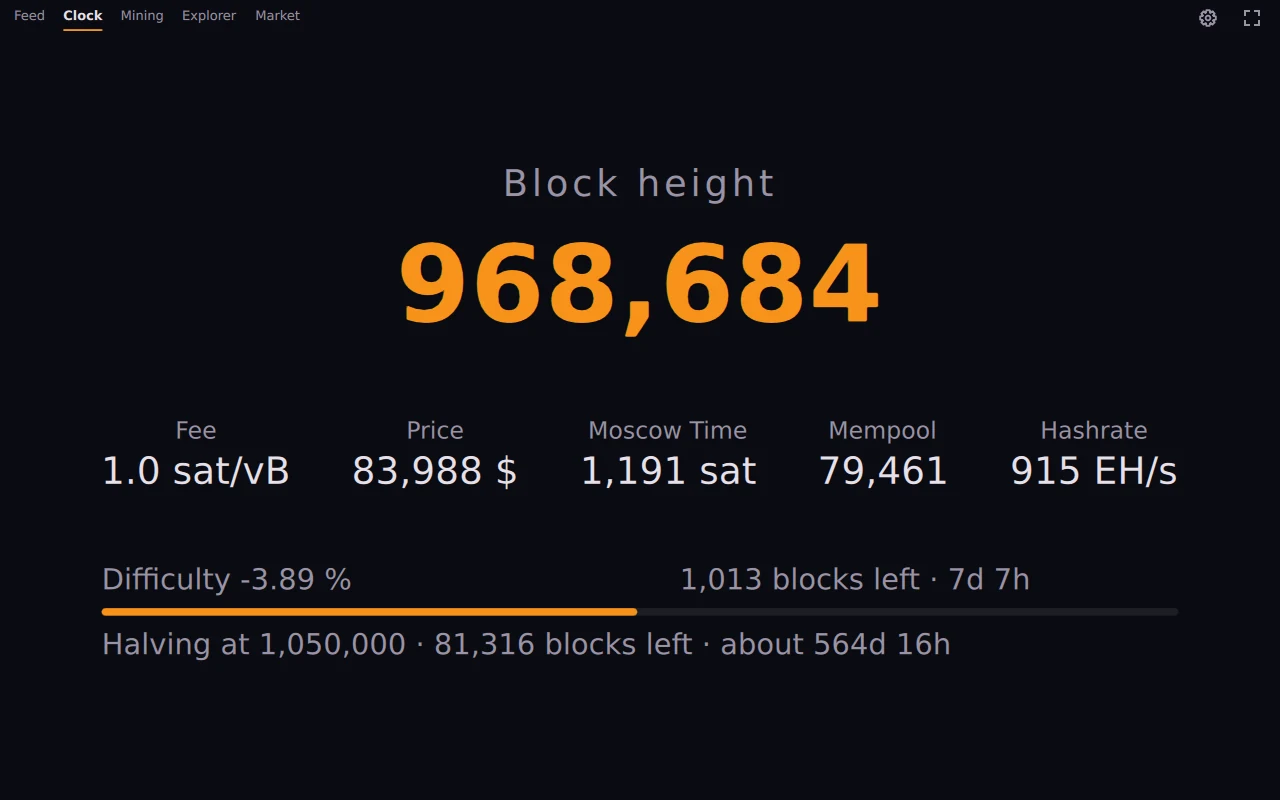
The Clock view shows the current block height in large figures, with fee, price, Moscow time, mempool size and hashrate below it. A bar counts down to the next difficulty adjustment, a line to the halving.
There are no controls on screen, so it reads well from across the room. What stands large in the middle can be changed in the settings, and if several values are chosen they take turns.
On Android the screen stays on while OrangeDeck runs in fullscreen. No permission is needed, and in the background the app keeps nothing awake. The Android build carries a home screen shortcut that opens the clock directly.
Any phone or tablet with Android 9 or newer and a 64-bit ARM processor will do. On a desktop the same view runs as a widget, for example in a corner of a second screen.
Price and Moscow time follow the currency you pick: euro, US dollar, pound, Swiss franc, Canadian or Australian dollar, or yen.