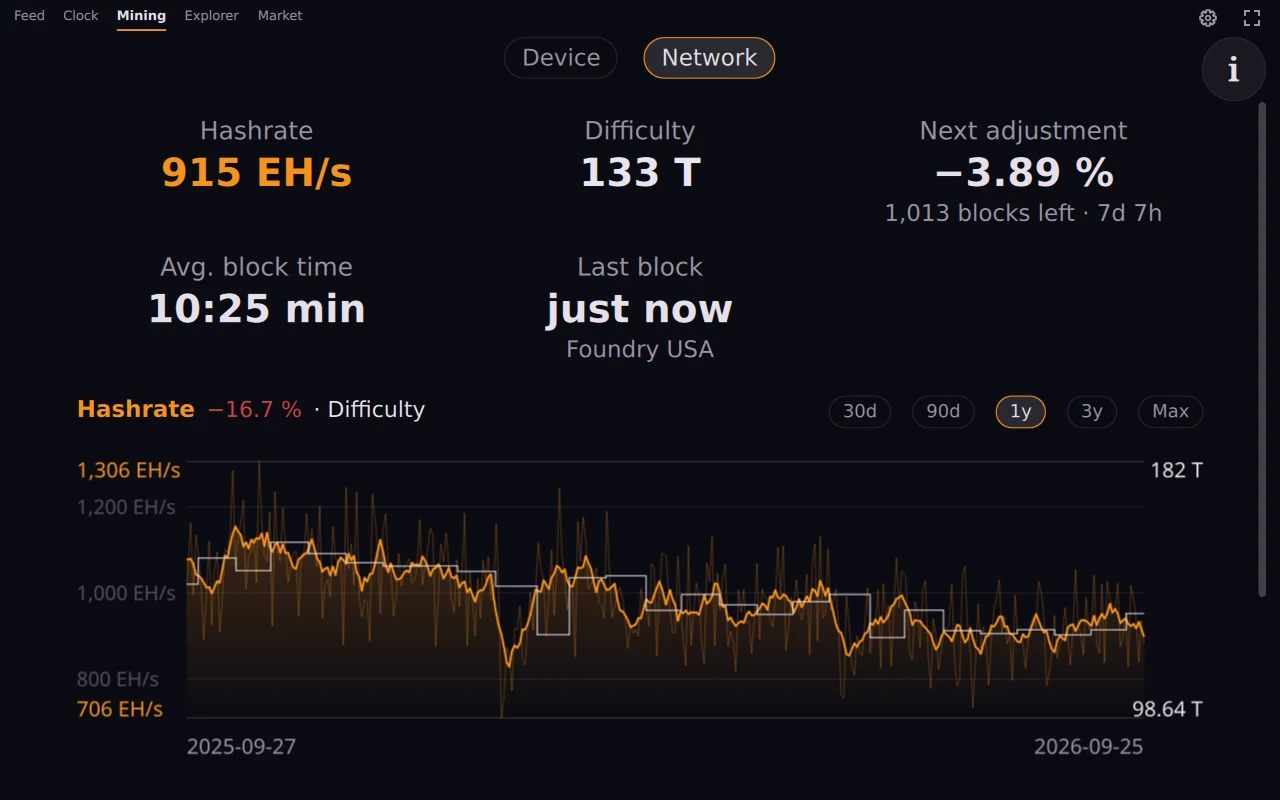
The Mining view of OrangeDeck reads your miner over its local API and shows hashrate, best share, temperature, power and fan speed. It detects AxeOS devices such as the Bitaxe and NerdAxe, and anything that speaks the cgminer API, for example Antminer, Avalon or Whatsminer.
The address is the only setting, and several miners go into the same field, separated by a vertical bar. The request goes to the device in your home network and nowhere else. There is no cloud account and no pool login.
The best share is held against the current network difficulty, and the view works out the chance of finding a block at your hashrate, per day and as an average interval. For a single Bitaxe that interval is very long, and OrangeDeck shows the number as it is.
Beside the device sits the network: hashrate and difficulty from 30 days back to 2009, the next difficulty adjustment, the average block time and the pool of the last block.
The view also runs as a widget: on Linux as a layer-shell surface on the desktop, on Windows as a frameless window, and on Android as a home screen widget.